
Book from your phone, not a yard
Search, compare real listings and book in minutes. No calling around, no queue at the counter.
We use cookies
A few keep you signed in, remember your country, and help us understand how the site performs. Cookie policy

Why Autoplug
Search, compare real listings and book in minutes. No calling around, no queue at the counter.
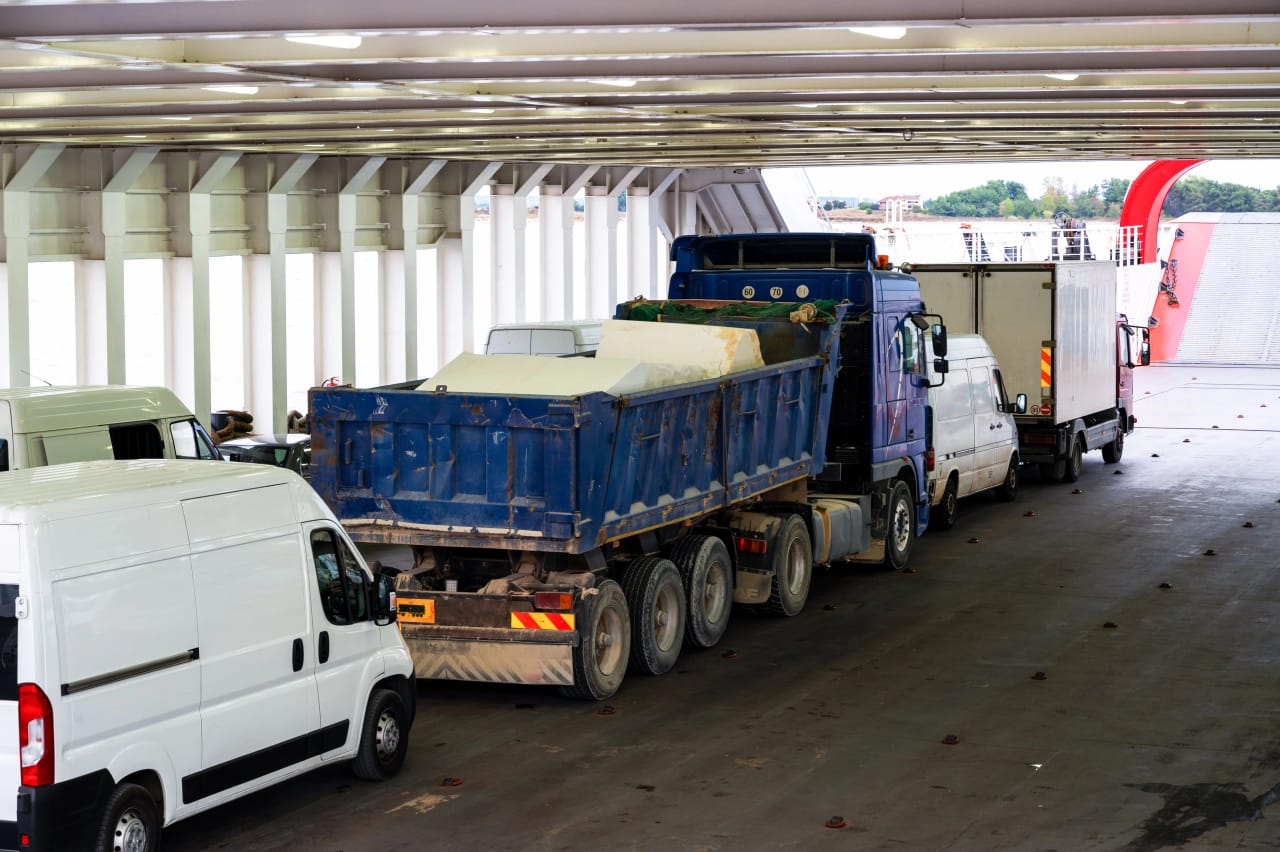
Hosts are everyday owners and small fleets near you, with sedans and SUVs but also vans, trucks and service vehicles.

Verified hosts and drivers, payments held until the trip completes, and a local support team when you need one.
Booking
Three steps from search to keys.
Step 1
Enter where and when you need it, filter by type, price and seats, and read reviews from previous renters.
Browse vehiclesStep 2
Set the pickup and drop-off on the map. You see the estimated total for your dates and route before you book.
More about pickup & drop-offStep 3
Pay with mobile money through Autoplug. Your host confirms, and you can chat with them, or with Support, right in the app.
The difference
| Compare |  Autoplug Autoplug | Traditional hire |
|---|---|---|
| How you book | In the app or on the web, in minutes | Phone calls and yard visits |
| The vehicle you get | The exact listing, with its own photos | "Something similar" |
| Price | Full rate card before you book | Negotiated on the spot |
| Payment | Mobile money through the app, held until the trip completes | Cash deposit up front |
| Pickup | Delivered to the point you choose | Collect from their premises |
| Choice | Sedans to trucks, from many hosts | One company's fleet |
| Trust | Hosts and vehicles rated by renters | Word of mouth |
Pickup & drop-off
Every time you book on Autoplug, you:
Your money is only released to the host once the trip completes. If a booking is cancelled, refunds follow our cancellation policy.
Vehicle documents are checked before a listing goes live, and drivers need a valid licence for the vehicle class.
Open a ticket from your account any time, or call the team on weekdays, 08:00–18:00 EAT.
FAQ
Answers to what people ask most before their first booking.
Still stuck? Talk to support